Dataset Design - auto-activate all columns
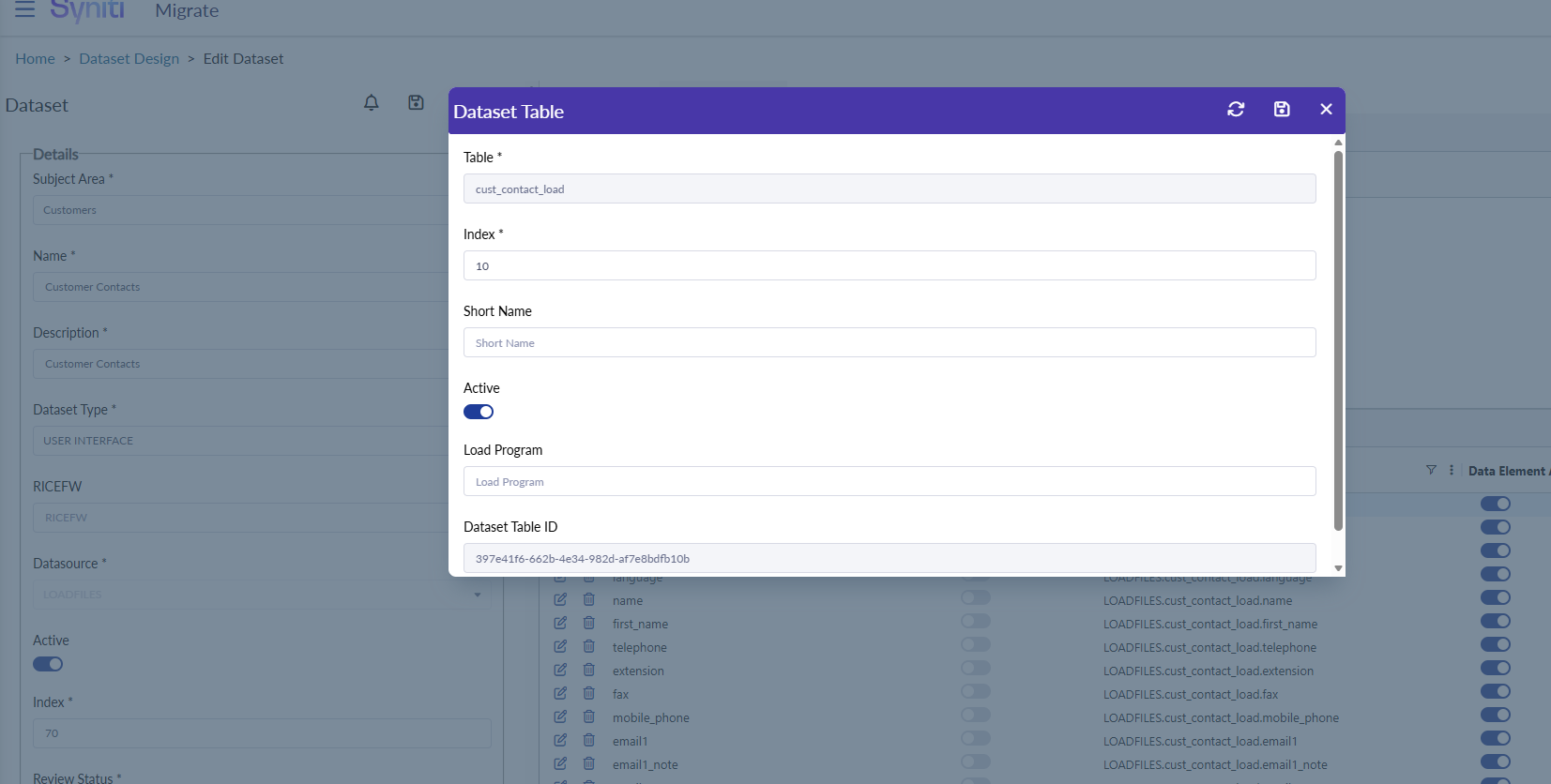
This doesn’t need to be a prominent feature, but having an “activate all” “deactivate all” button on the dataset design would be useful. In my case we’re activating sometimes 100 columns out of 110 on a target table, and it would be quicker to have a button to do this for us.
I could see this being in the pop up box on the table details?
Log in to comment and vote
Comments1
Kevin McDonald
Dec 23, 2025
@John Sanders I have seen a number of areas where presumably users are having to mark checkboxes one-by-one in order to achieve desired results. Krishna has an RI currently to standardize AG Grid behaviors across the application so Engineers can more efficiently re-use elements (RI-686).
I added a comment for him/Nadine to maybe consider how we can incorporate a select all/de-select all option in grids that have action buttons? Seems like something that should just be base functionality for QOL improvements.